Professional photo retouching at your fingertips. Transform portraits with AI-driven makeup, hair styling, and facial enhancements in seconds.
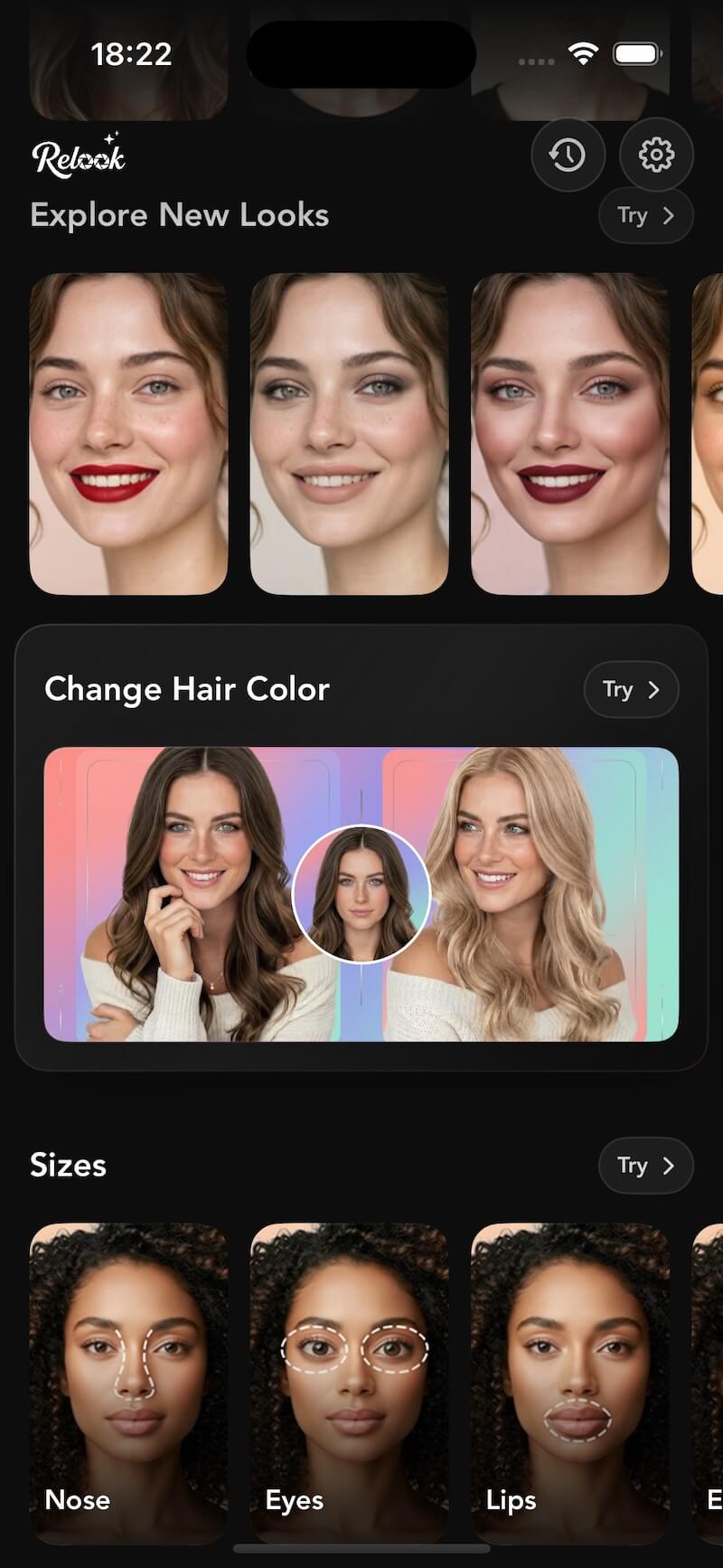
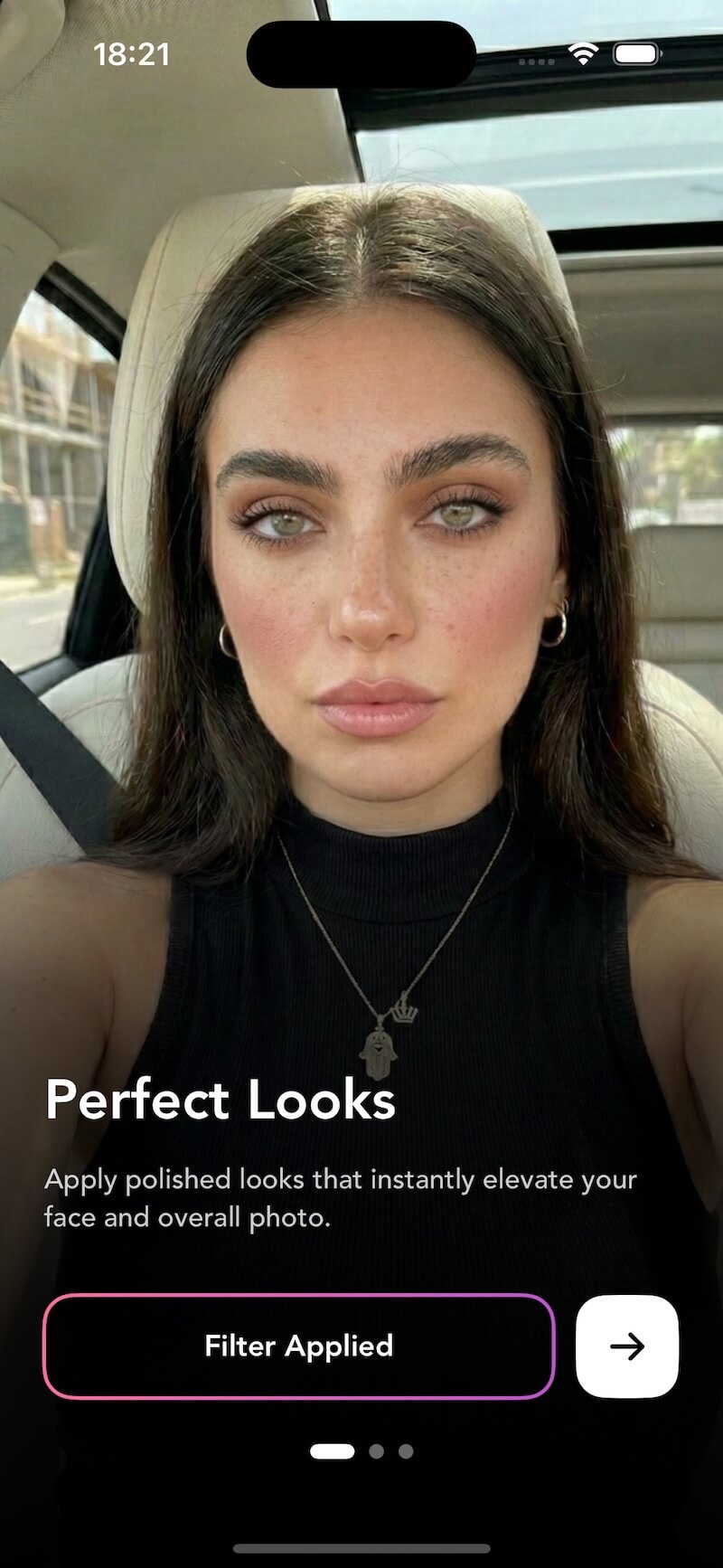
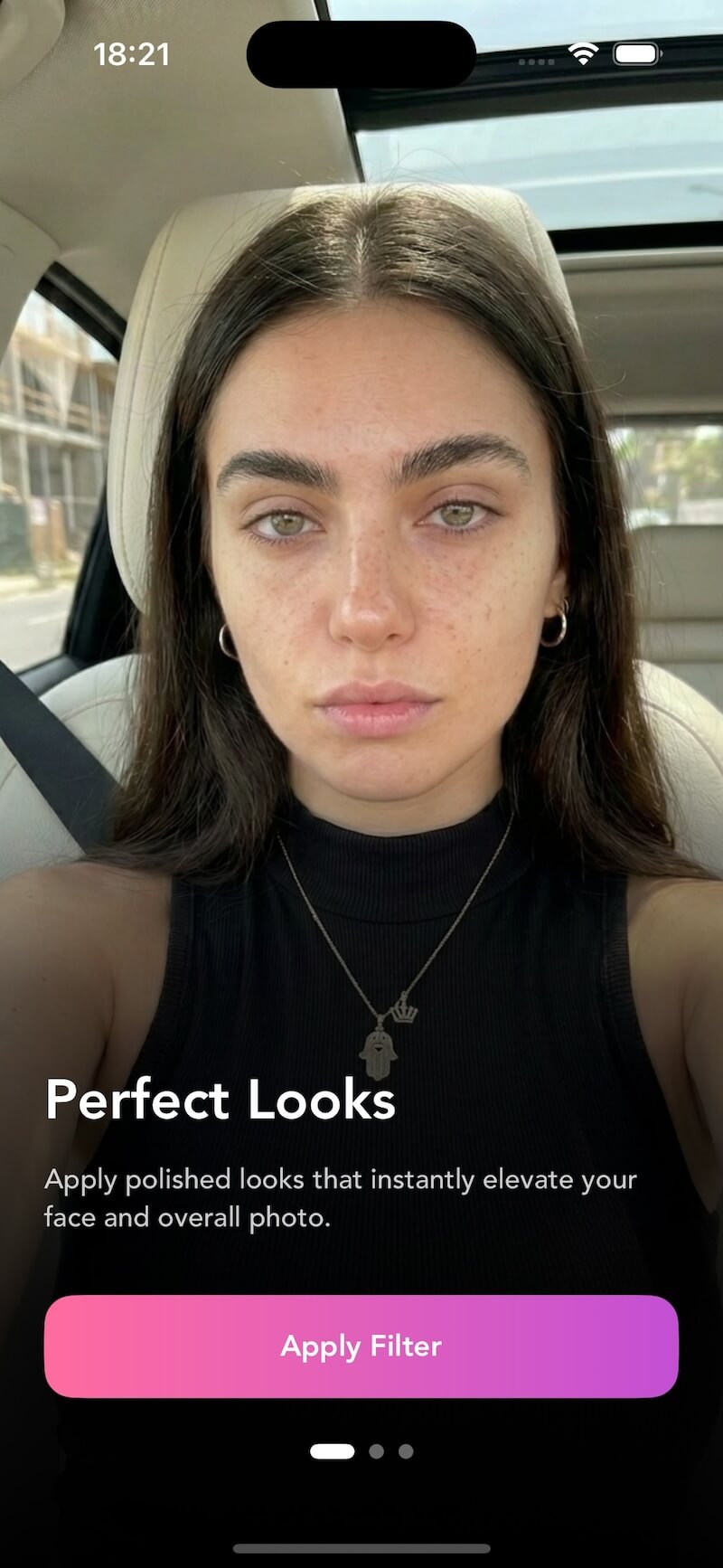
Apply polished, professional makeup looks that naturally elevate your face and overall photo with one tap.
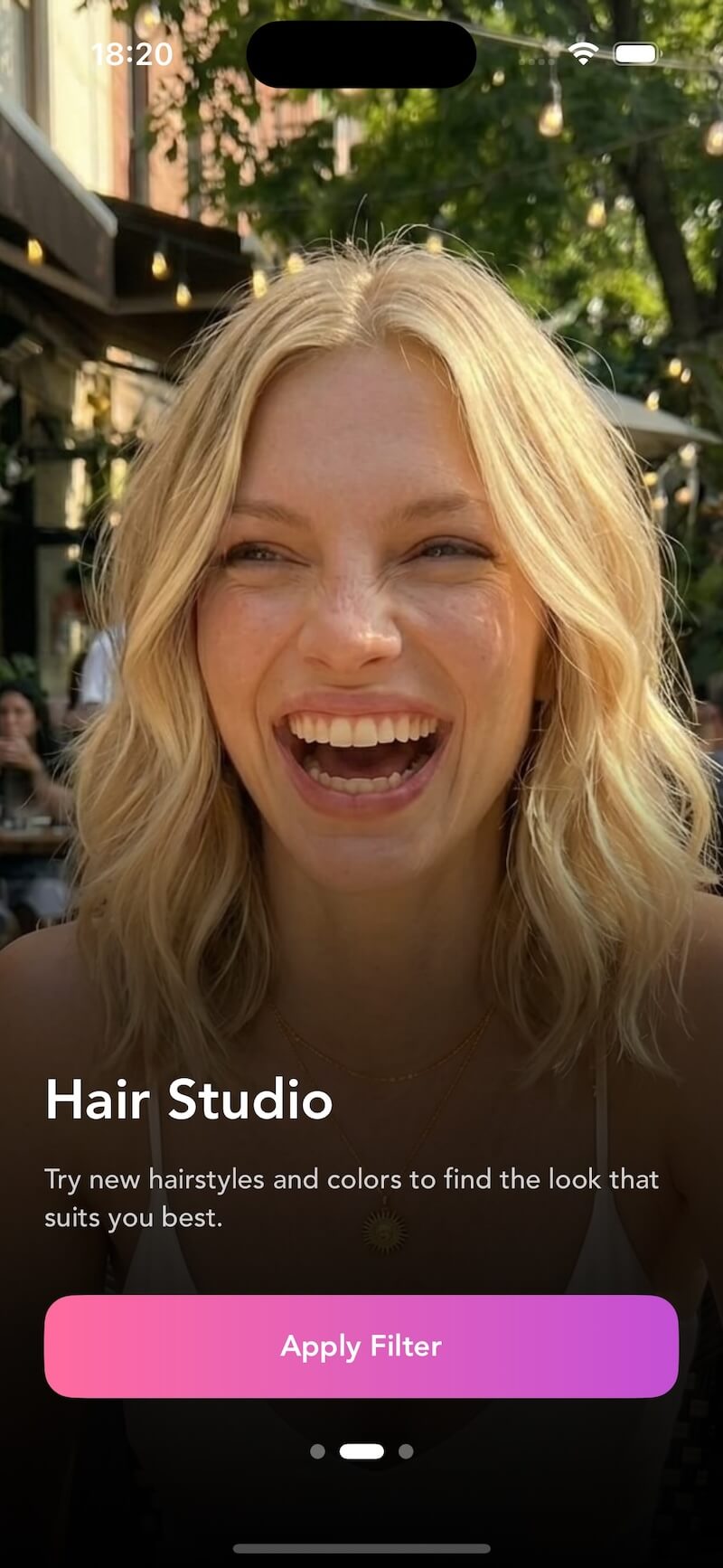
Try new hairstyles and colors to find the look that suits you best — from subtle changes to bold transformations.
Smooth skin, remove blemishes, and even out your complexion while keeping the texture that makes you look real.
Brighten, sharpen, and add sparkle to your eyes. Adjust color, remove redness, and make them pop naturally.
Subtle adjustments to nose, lips, and jawline. Fine-tune facial proportions with precision and natural results.
Fix lighting, adjust tones, and apply cinematic color grading to give your photos a professional studio finish.
Last updated: April 2026
Relook is an AI-powered photo retouching app that helps you enhance your selfies and portraits with professional-quality edits. From makeup and hair styling to skin smoothing and facial reshaping, Relook makes it easy to look your best in every photo.
Relook is free to download and includes a selection of basic editing tools at no cost. For access to premium features like advanced filters, full Hair Studio, and unlimited exports, you can upgrade to Relook Pro via a subscription.
Our AI analyzes facial features, skin tone, lighting, and composition in your photo. It then applies enhancements that look natural and professional — adjusting makeup, smoothing skin, and optimizing colors while preserving your unique features.
Your privacy is our priority. Photos are processed on-device whenever possible, and any data sent to our servers for AI processing is encrypted in transit and deleted immediately after processing. We never share your photos with third parties.
Relook is available on both iOS (iPhone and iPad) and Android devices. We recommend using the latest OS version for the best experience and access to all features.
Yes, you can cancel your Relook Pro subscription at any time through your device's app store settings. After cancellation, you'll retain access to Pro features until the end of your current billing period.
Refunds are handled through the Apple App Store or Google Play Store, depending on your device. Please contact the respective store's support team for refund requests. We're also happy to help troubleshoot any issues through our support channels.
You can reach us at info@quvarte.com or through the in-app feedback feature. Our team typically responds within 24 hours on business days.